Business Continuity Management (BCM)🔗
The Business Continuity Management (BCM) module helps you identify critical business processes, assess the impact of disruptions, and define appropriate strategies and plans for maintaining or restoring operations.
BCM in GRASP builds on the master data you have already maintained:
- Organisation (People, Teams, Roles)
- Inventory (Assets, Processes, Dependencies)
- Documents (Policies, Work Instructions, Manuals)
Information maintained once can be reused across BCM, ISMS, Data Protection, and other modules (Plan–Do–Check–Act principle).
Prerequisite
Before working with the BCM module, people, processes, assets, and — ideally — the dependencies between processes and resources should already be maintained.
Structure of the BCM Module🔗
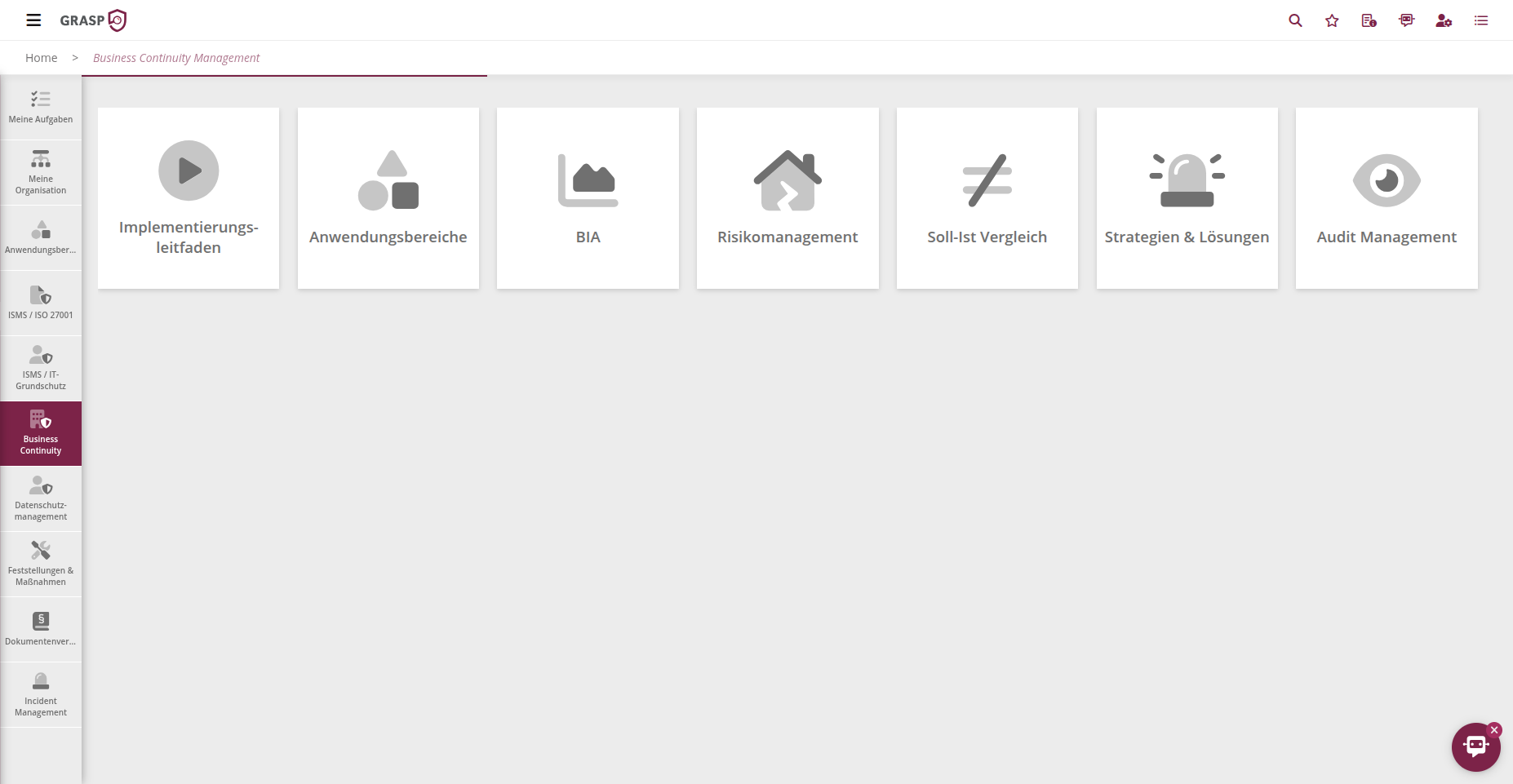
The BCM module is organised into tiles (views) that guide you through the typical BCM workflow:
- Implementation Guide
- BCM Documents
- Scope
- Business Impact Analysis (BIA)
- Risk Management
- Strategies, Plans & Audit Management
- Policies & Guidelines (Cross-module)
The key building blocks are described below.
Implementation Guide🔗
The Implementation Guide serves as a checklist and common thread for introducing and maintaining your BCM:
- Divided into logical chapters (e.g. Project Setup, Establish Governance, Conduct BIA, Define Strategies).
- Each row describes a step you should complete in BCM.
- The Execute column provides quick links that take you directly to the relevant view.
- Completed items can be ticked off to visualise implementation progress.
This makes the Implementation Guide suitable for the initial roll-out as well as re-certifications and regular reviews.
Policies & Guidelines🔗
Under Policies & Guidelines you store the overarching directives that govern your BCM, for example:
- BCM Policy / Continuity Policy
- Emergency Management Policy
- Roles and Responsibilities in BCM
For each document you can maintain, among other things:
- Name and description
- Document type (Policy, Guideline, Work Instruction, Manual, …)
- Responsible person
- Status and version
- Next review date or review frequency
Based on review dates, GRASP automatically sends reminders to the responsible person so that policies remain up to date.
BCM Documents🔗
In the Documents tile you can bundle all BCM-relevant artefacts, for example:
- Emergency manual
- Recovery and restart plans
- Communication concepts
- Training materials
You can:
- Upload files (e.g. PDF) via drag & drop,
- Store external links (e.g. SharePoint),
- Maintain versions, responsible persons, and review dates.
Documents can then be referenced elsewhere (e.g. in strategies, plans, or audits).
Scope🔗
The Scope defines which part of your organisation is covered by the respective BCM scope.
Here you link:
- Processes
- Infrastructure
- Hardware
- Software
- Service Providers
- Data
- Personnel
Only the objects linked within the scope will appear later in the BIA, BCM risk management, strategies, and plans. You can find details on the Scope page.
Business Impact Analysis (BIA)🔗
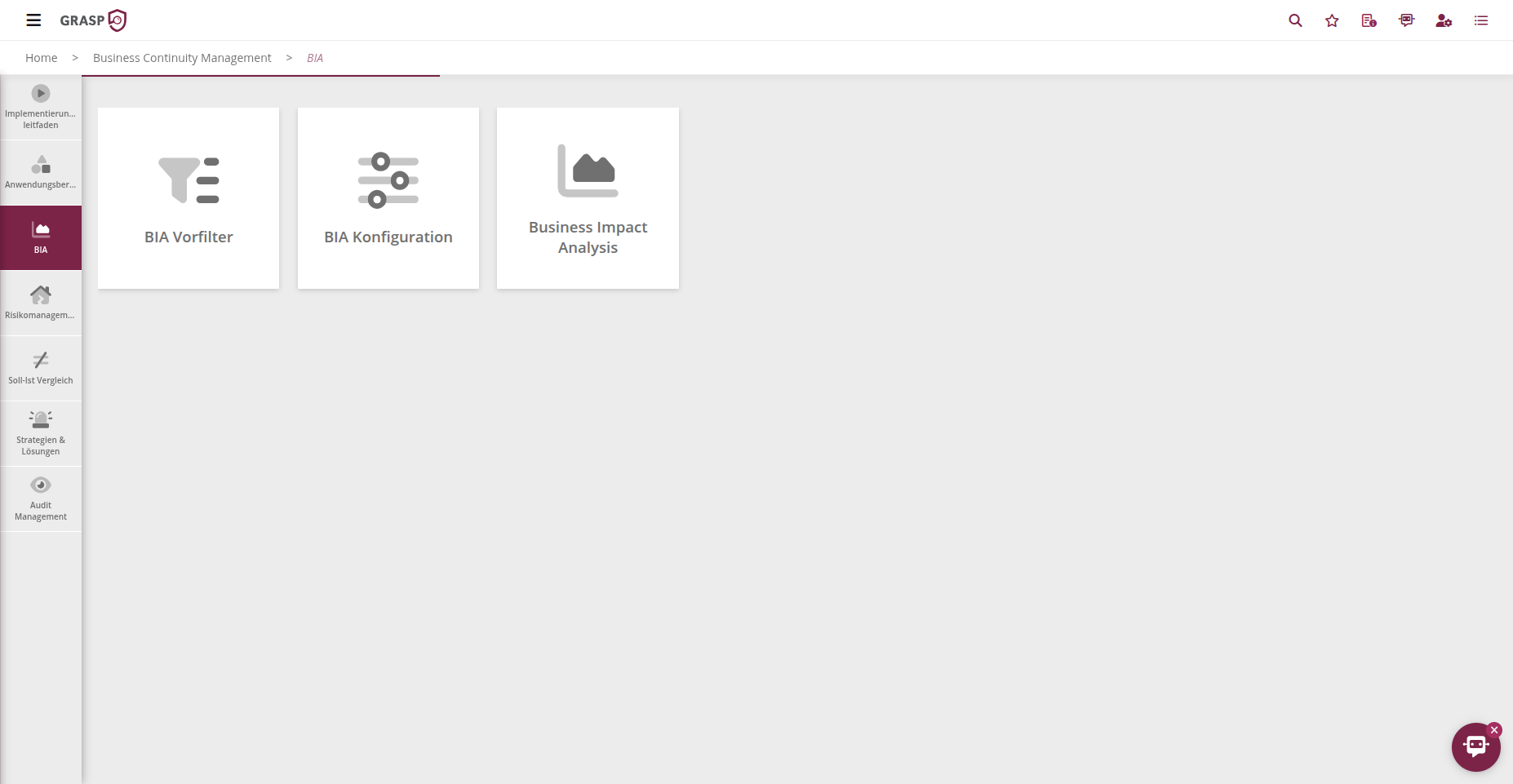
The BIA in the BCM module essentially consists of three areas:
-
BIA Pre-filtering
- You answer a few yes/no questions per process (e.g. regulatory relevance, security or availability requirements).
- The system automatically classifies processes as critical or non-critical.
- You can adjust the classification manually.
-
BIA Configuration (House Rules)
- Definition of damage potentials (e.g. very high, high, medium, low).
- Definition of time horizons (hours or days) indicating when a given damage level is reached.
- Maintenance of damage scenarios (e.g. financial impact, legal impact, reputational damage, security incident).
- The system graphically shows how damage develops over time.
-
Business Impact Analysis (Assessment)
- For each process linked in the scope, you assess the impact across the defined damage scenarios over time.
- You define recovery objectives:
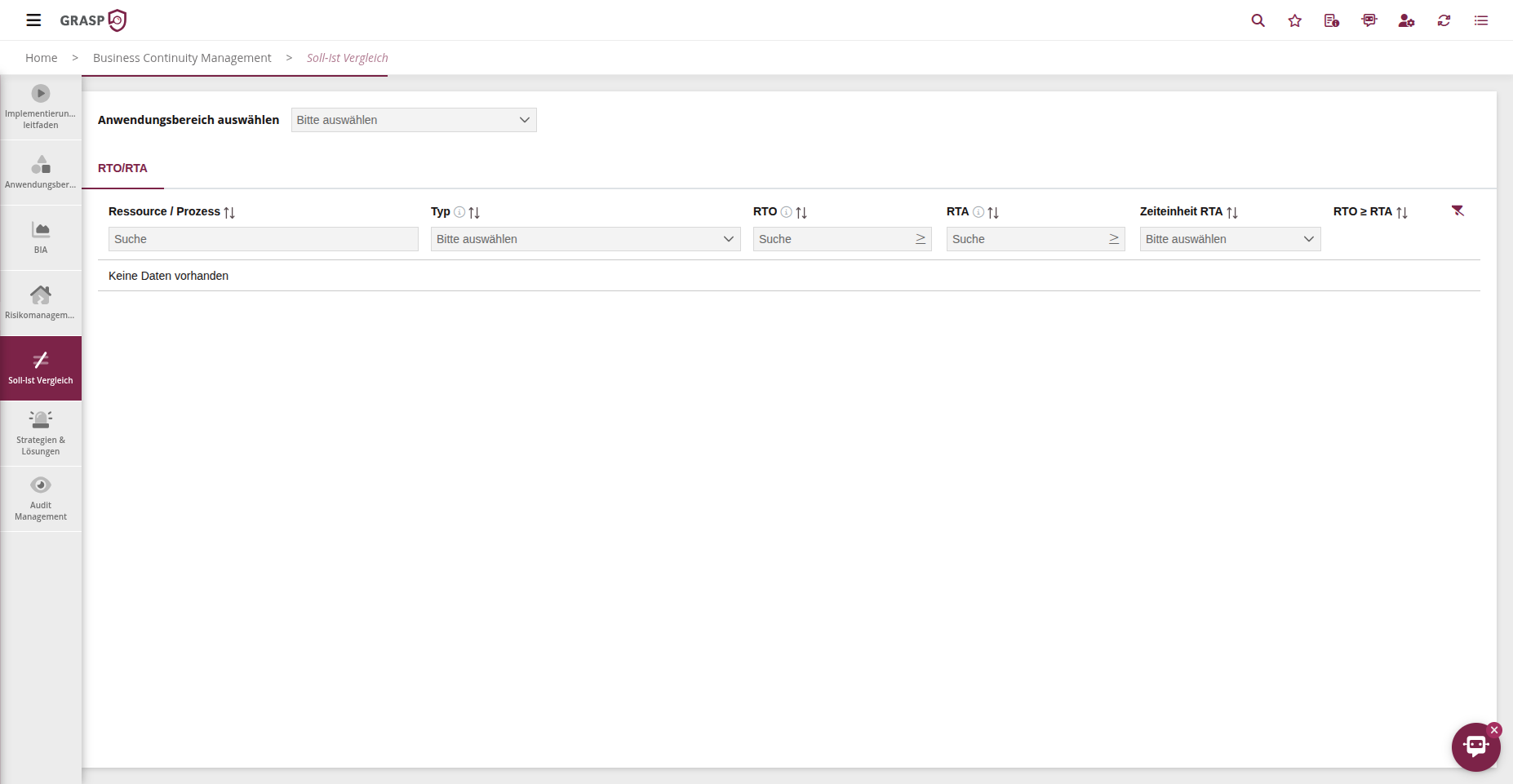
- RTO (Recovery Time Objective) – target for the maximum tolerable interruption.
- MTPD / MTBD – Maximum Tolerable Period of Disruption.
- Optional: Emergency operating level.
- You can see dependencies on resources (e.g. assets, service providers) and process dependencies, and mark Single Points of Failure (SPOF).
The results of the BIA are:
- a criticality rating per process,
- prioritised recovery objectives,
- transparent dependencies — the basis for risk management and strategies.
Risk Management in BCM🔗
BCM risk management is based on the criticality determined in the BIA and uses the shared risk engine of GRASP.
The tiles correspond to those in other modules:
-
Configuration (Assign Risks)
- Assignment of risks to categories (Data, Service Providers, Hardware, Infrastructure, Personnel, Processes, Software).
- Maintenance of the risk library including domain relevance (e.g. use in ISO 27001 and BCM).
-
Risk Analysis (Assessment)
- Assessment of risks per resource and scope.
- Determination of likelihood and impact (BSI scale).
- Automatic calculation of initial risk and acceptance level.
-
Treatment Plan & Measures
- Selection of treatment options (avoid, reduce, transfer, accept).
- Creation and linking of measures with responsible persons, approvers, and deadlines.
-
Residual Risk & Closure
- Assessment of residual risk after implementation or planning of measures.
- Closure of the risk assessment, including archiving and re-issue for comparison purposes.
-
Risk Matrix & Overview
- Graphical display of all risks by likelihood and impact.
- Filtering by scope, asset types, and other criteria.
The results are displayed in the global overviews and in the GRASP risk matrix.
Strategies, Plans & Solutions🔗
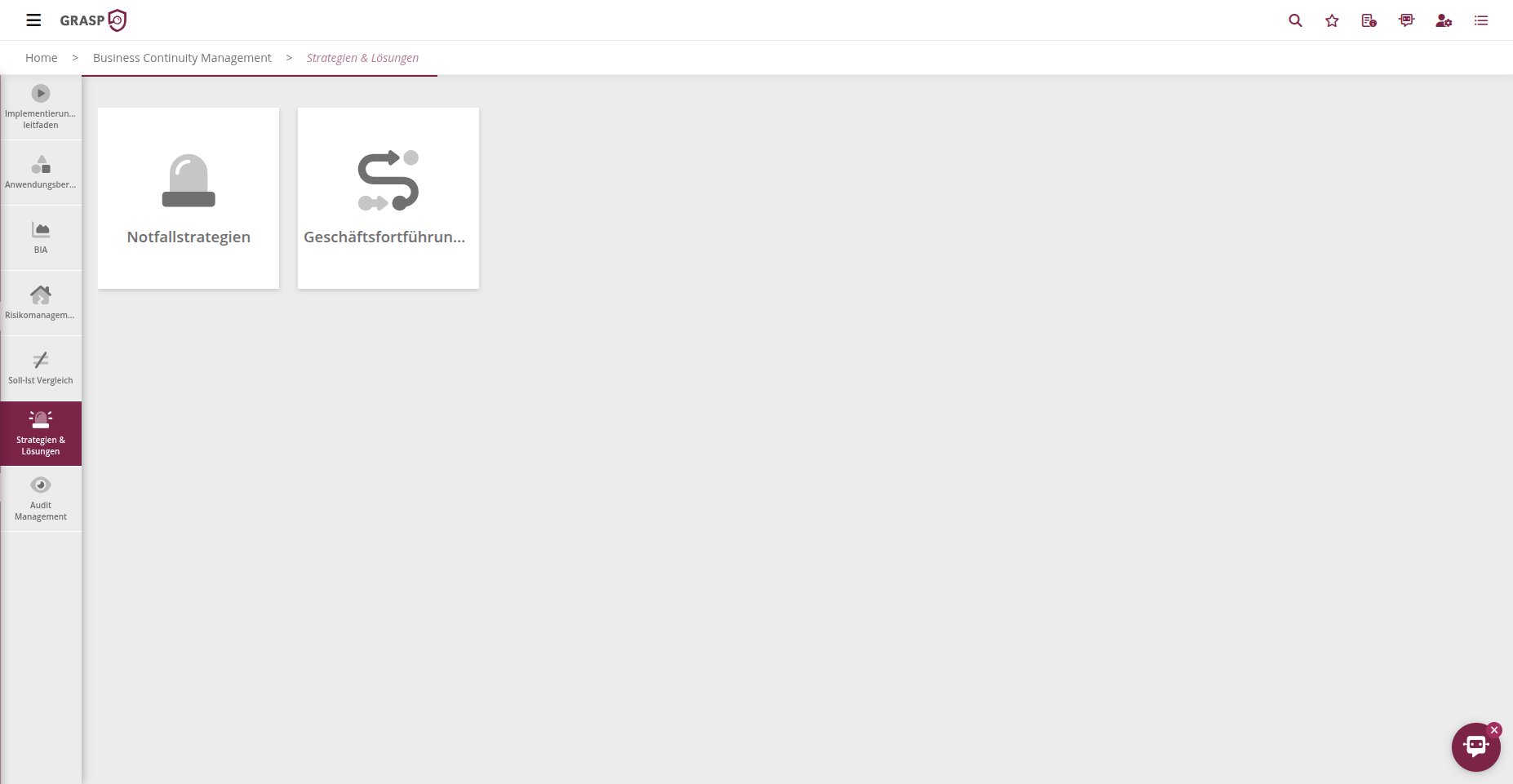
Based on the BIA and risk management, you define the following in BCM:
-
Emergency Strategies / Restart Plans
- Strategies per asset or process (e.g. alternate site, manual emergency operations, high availability).
- Description, prerequisites, responsible persons, and approvers.
- Assessment of the strategy (RTO compliance, costs, residual risk, requirements).
-
Recovery Plans
- Precise technical or organisational sequence of steps for recovery.
- Linking with assets (e.g. servers, applications, databases).
-
Business Continuity Plans
- Plans per process documenting scenarios, triggers, and continuity strategies.
-
Display of affected resources and workflows.
-
Communication Plans
- Definition of who is informed in which scenario (internal/external).
- Linking to strategies and resources so that in the event of an incident it is clear who needs to be informed and when.
Together, these plans represent your operational BCM handbook directly within the system.
Audit Management in BCM🔗
Audit Management in BCM is deliberately kept lean:
- Planning of BCM audits in the Audit Calendar.
- Linking of audit points and audit objects (e.g. processes, plans, documents).
- Assessment of audit points with degree of fulfilment and implementation description.
- Approval by authorised persons.
- Recording of findings and measures.
- Central processing of all findings and measures in the global Findings & Measures tile.
You can find details on the Audit Management – Planning and Execution, Approval & Evaluation pages.
Views🔗