Protection-Need Assessment & Inheritance🔗
Technical Note
Internally, the platform uses the designation "PRA" (Protection Requirements Analysis). This is equivalent to the protection-need assessment (SBF).
With the protection-need assessment you evaluate how critical your processes and assets are – typically along the BSI categories:
- Confidentiality
- Integrity
- Availability
The results form the basis for:
- the risk assessment, and
- the selection and prioritisation of measures.
Through inheritance you ensure that the protection needs of critical components (e.g. a data centre) are propagated to dependent assets and processes.
Getting started with the protection-need assessment🔗
- Open the ISMS ISO 27001 module.
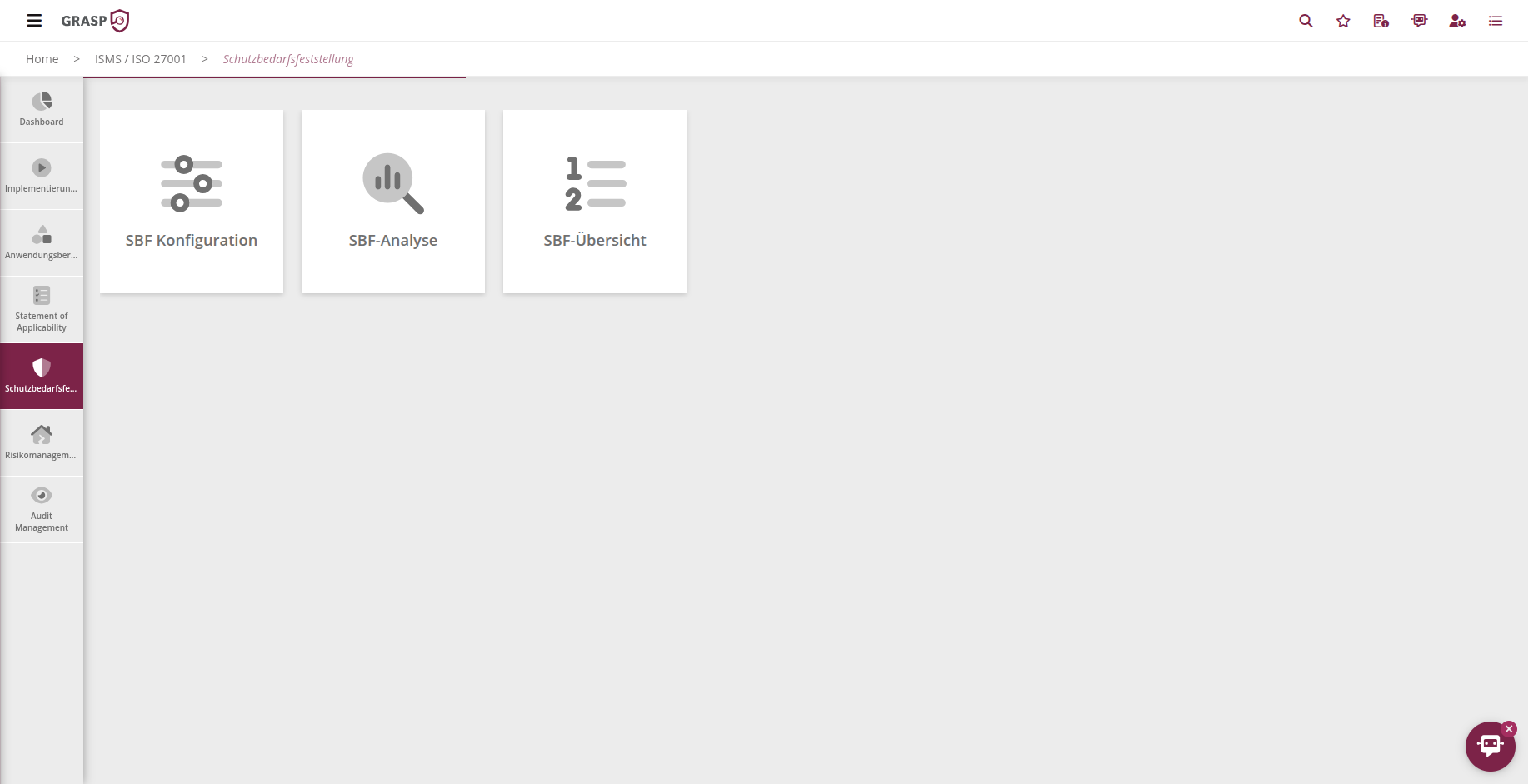
- Select the Protection needs tile (or the corresponding tile in your instance).
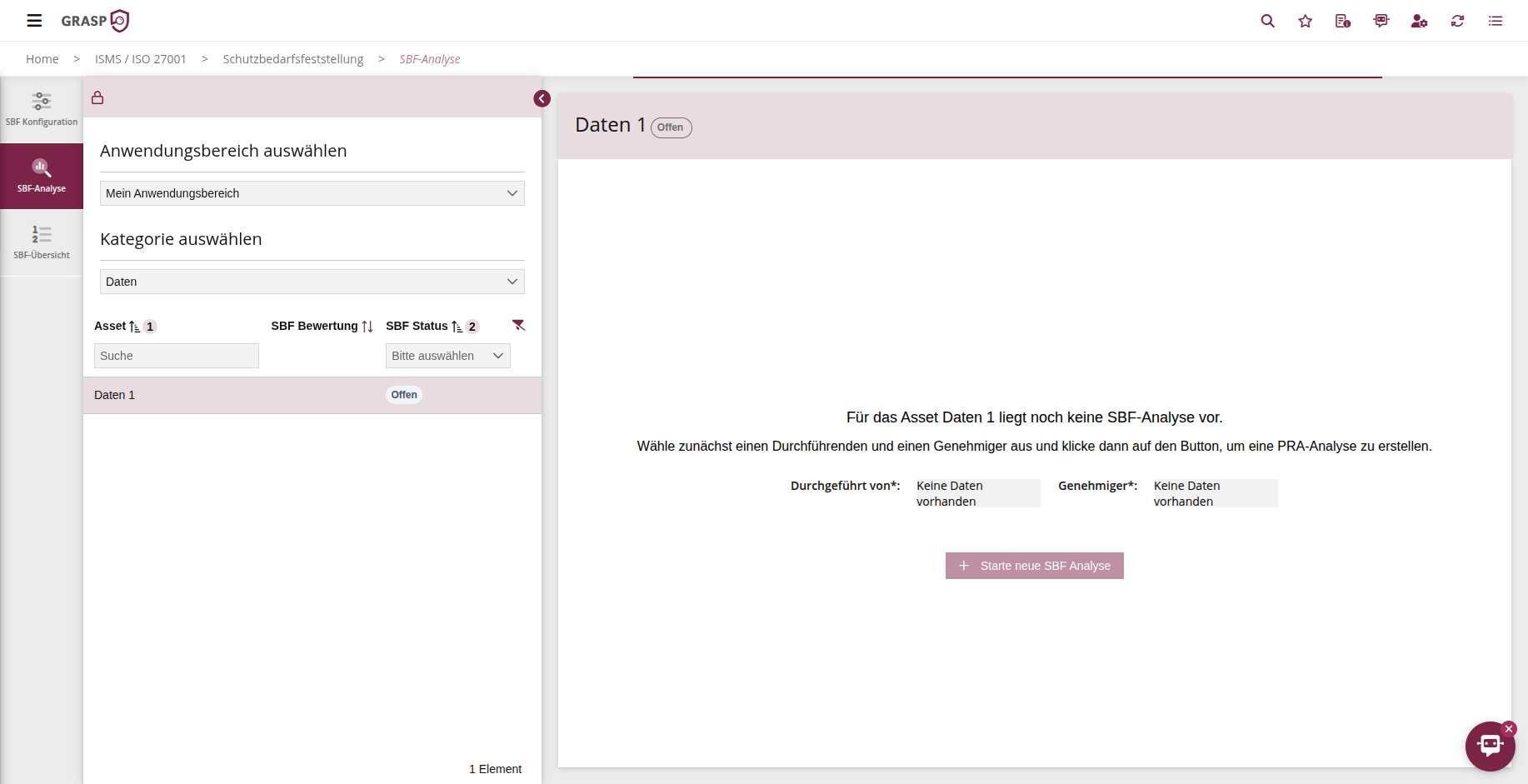
- Choose the scope for which you want to determine protection needs.
- Choose whether you want to start with processes, hardware, software, infrastructure, service providers, or data.
The view shows all objects of the selected category that are already linked to the scope.
Creating a protection-need assessment form🔗
Assessments are organised in protection-need assessment forms. A form controls:
- which scope and period you are assessing,
- which objects are included,
- the current status (draft, in review, approved) of the assessment.
Procedure:
- In the protection-need overview, click "Create form" (plus icon).
- Enter:
- Name of the form (e.g. "Protection needs 2025 – Security 2025"),
- Assessment period (e.g. year / audit cycle),
- optionally "assessed by" / author.
- Save the form.
In the overview you can see all forms per scope including their status (e.g. "drafting", "completed").
Assessing protection needs🔗
When you open a protection-need assessment form, you enter the assessment view:
- for each process / asset you see the three categories
Confidentiality, Availability, Integrity, - for each category you select an impact level (e.g. low, medium, high, very high),
- you can record a justification for each category.
Example:
- Confidentiality: high – "contains sensitive customer data whose disclosure would cause significant reputational damage"
- Integrity: medium – "manipulation leads to incorrect reports, but no immediate threat to life or health"
- Availability: very high – "system must be available 24/7; downtime > 1 h leads to significant revenue loss"
GRASP calculates an overall protection need per object (e.g. using a defined maximum or scoring logic).
Workflow: Drafting → Review → Approval🔗
The protection-need assessment follows a simple workflow:
- Drafting
-
Subject-matter experts enter the assessments and justifications.
-
Submit for review
- Click "Submit form".
-
The designated reviewer receives an e-mail with a link to the form.
-
Review & adjustment
-
The reviewer can adjust assessments and justifications.
-
Approval
- After approval, the form receives the status "completed".
- The approved protection needs serve as the basis for inheritance and risk analysis.
In the overview you can see at any time which scope already has approved forms and what status they are in.
Inheritance of protection needs🔗
The real strength comes from inheritance along dependencies:
- Example: A data centre has very high protection needs.
Dependent processes or systems might appear less critical when considered individually – but because they depend on the data centre, their protection need increases.
Procedure:
- Navigate to the protection-need overview for a scope.
- Click "Calculate inheritance" at the top.
- In the background:
- all processes and assets connected through dependencies are evaluated,
- the overall protection need is compared along these chains,
- the highest overall protection need within a link is propagated to all involved components.
This ensures that a critical system not only has high protection needs on paper, but that all technical and organisational components connected to it are classified accordingly.
Why inheritance matters
The inherited protection needs feed directly into the risk analysis.
Without inheritance, you would easily underestimate critical dependencies and prioritise them too low in the risk matrix.
Relationship with risk management and SOA🔗
-
The protection-need assessment answers the question:
How critical is a process or asset (C/I/A)? -
The SOA answers the question:
Which controls/requirements do I apply to meet these protection needs? -
Risk management connects both:
- it uses the overall protection need as input,
- assesses additional events and vulnerabilities,
- assigns appropriate measures.
In practice, for each new scope you follow roughly this sequence:
- Define the scope.
- Create a protection-need assessment form, assess protection needs, and approve.
- Calculate inheritance.
- Edit the SOA (controls and measures).
- Carry out the risk analysis.
This gives you a continuous, auditable trail from the protection-need assessment through the controls to the risk treatment.
Views🔗