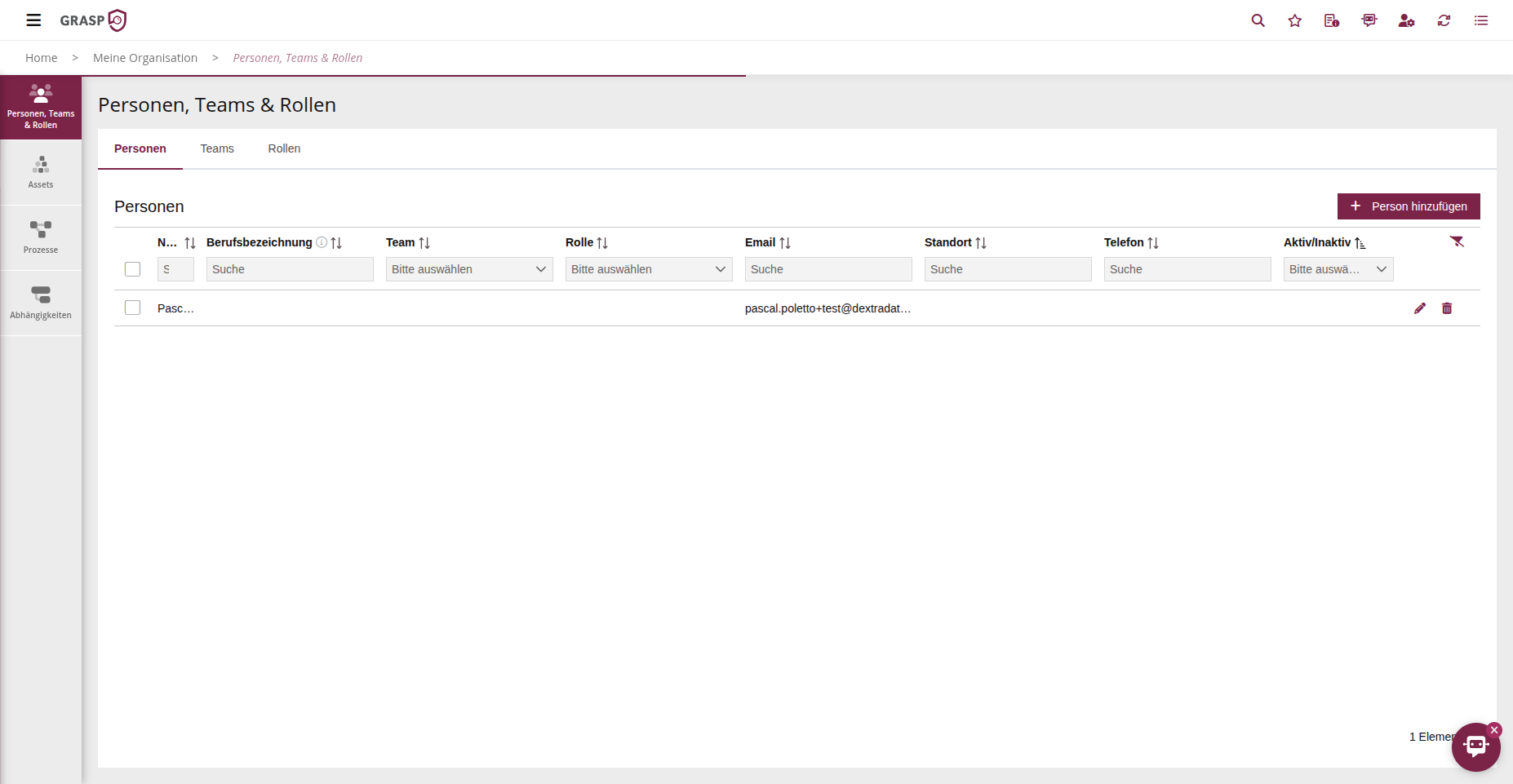
People🔗
Purpose🔗
In the People area you maintain all individuals centrally: employees, external contacts, auditors, etc.
These people serve as responsible persons or approvers in modules and are the basis for email notifications.
Usage🔗
- Open the list in the People area.
- Click on + New Person.
- Enter at minimum the name, job title, phone number, email address, location and Status (Active/Inactive).
- The status indicates whether the person is actively working in the organisation.
- Assign Teams and Roles to the person directly via the dropdown fields.
- If an entry is missing, you can create a new team or role entry directly in the dropdown.
- Save the record.
After saving, the person is available in all selection lists and can be used as a responsible person or approver in modules. Notifications (e.g. for deadlines or status changes) are sent to the stored email address as soon as the person is assigned as a responsible person.